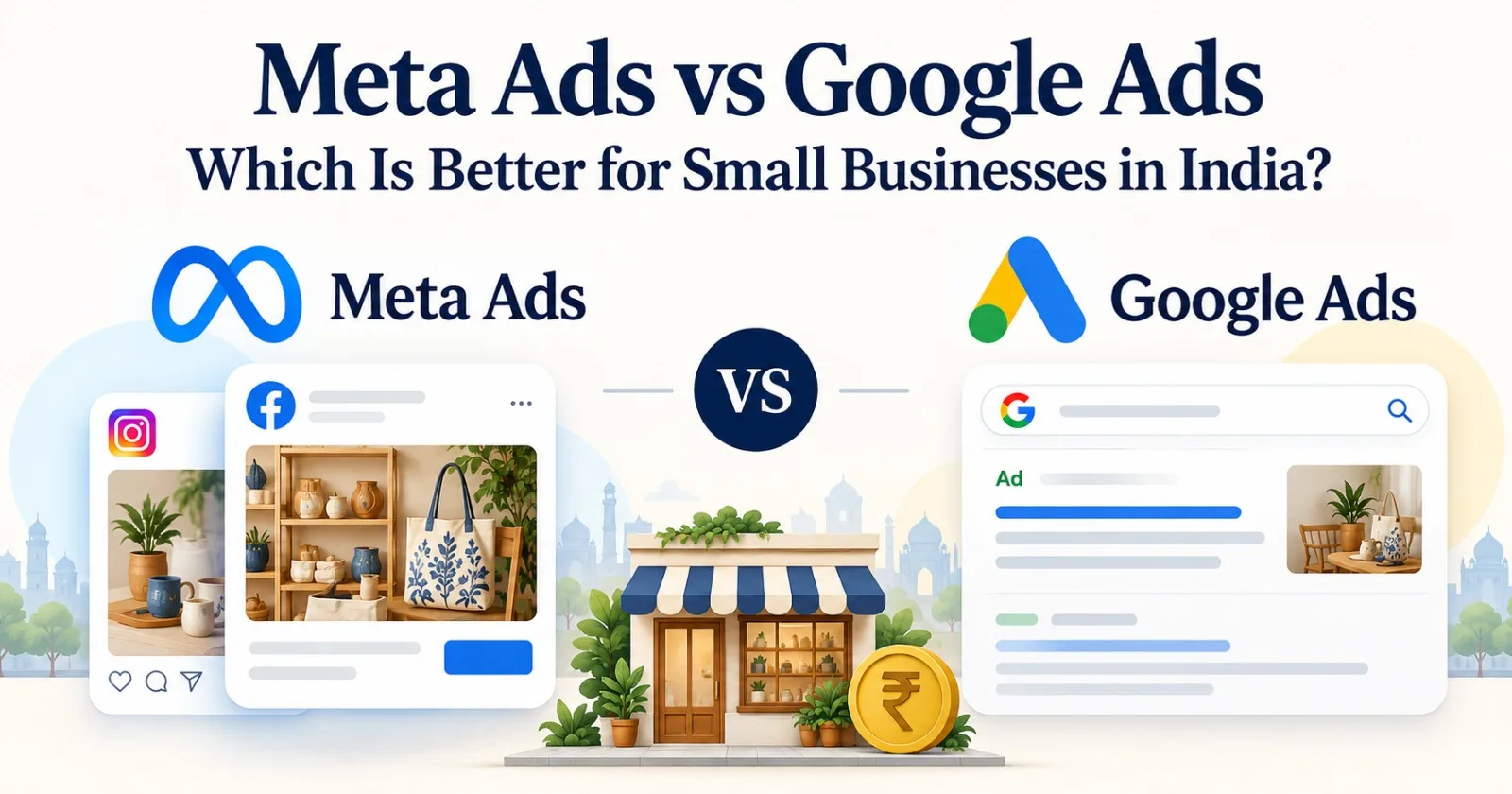
If you have a limited marketing budget, choosing between Meta Ads (Facebook and Instagram) and Google Ads can feel confusing. Both can generate leads and sales — but they work in fundamentally different ways. Understanding that difference will save you a lot of wasted money.
The core difference: demand capture vs demand creation
Google Ads captures existing demand. People search for “AC repair near me” or “website developer in Lucknow” because they already need something. Your ad appears exactly when they are ready to act.
Meta Ads creates demand. People scroll Instagram and Facebook for entertainment. Your ad interrupts them with an offer, product or idea they were not actively looking for — but might want once they see it.
Side-by-side comparison
| Factor | Google Ads | Meta Ads |
|---|---|---|
| User intent | High — actively searching | Low to medium — browsing |
| Best for | Urgent services, local businesses, B2B | Products, offers, education, brand building |
| Targeting | Keywords, location, audiences | Location, age, interests, behaviours, lookalikes |
| Cost per click | Usually higher | Usually lower |
| Lead quality | Typically higher | Varies; needs qualification |
| Creative needs | Text ads, extensions, landing page | Images, videos, Reels, strong hooks |
When Google Ads is the better choice
- Emergency or urgent services (plumbers, repair, hospitals, lawyers)
- Local services where people search with “near me”
- B2B services and high-value products people research
- When you want leads quickly with high purchase intent
When Meta Ads is the better choice
- E-commerce and D2C products with visual appeal
- Coaching institutes, events and admissions campaigns
- Real estate projects and launches
- Restaurants, salons, gyms and lifestyle businesses
- Dropshipping and impulse-buy products
The smartest approach: use both together
The highest-performing campaigns usually combine both. Google Ads captures people searching right now, while Meta Ads builds awareness and retargets website visitors who did not convert. A typical starting split for a local service business is 60–70% Google and 30–40% Meta; for e-commerce it is often the reverse.
Tracking is non-negotiable
Whichever platform you choose, set up conversion tracking before spending money: Google Ads conversion tracking with Google Tag Manager, GA4 key events, and Meta Pixel with the Conversions API. Without tracking, the algorithms cannot optimize and you cannot measure your real cost per lead.
Starting budget suggestions
For most small businesses, a test budget of ₹500–₹1,500 per day for 2–4 weeks provides enough data to judge performance. Scale only after you know your cost per lead and lead-to-customer conversion rate.
Example budget split by industry
| Business type | Suggested split | Primary goal |
|---|---|---|
| Clinic / hospital | 70% Google, 30% Meta | Appointment calls |
| Coaching institute | 50% Google, 50% Meta | Admission enquiries |
| Real estate project | 40% Google, 60% Meta | Site visit leads |
| E-commerce / D2C brand | 30% Google, 70% Meta | Online sales (ROAS) |
| B2B manufacturer | 80% Google, 20% LinkedIn/Meta | Bulk / dealer enquiries |
These are starting points, not rules. After 2–4 weeks, move budget towards the platform with the lowest cost per qualified lead.
Mistakes that waste ad budget
- Running ads without conversion tracking
- Using broad keywords without negative keywords on Google
- Targeting the whole of India when you only serve one city
- Sending traffic to a slow home page instead of a focused landing page
- Changing campaigns every day before the algorithm has enough data
- Not calling leads back within the first hour
Let experts manage your ads
OMTECH manages Google Ads and Meta Ads for businesses across Uttar Pradesh, Delhi NCR, and for e-commerce brands targeting India, the USA and Canada. Book a free ad account audit.